Introduction
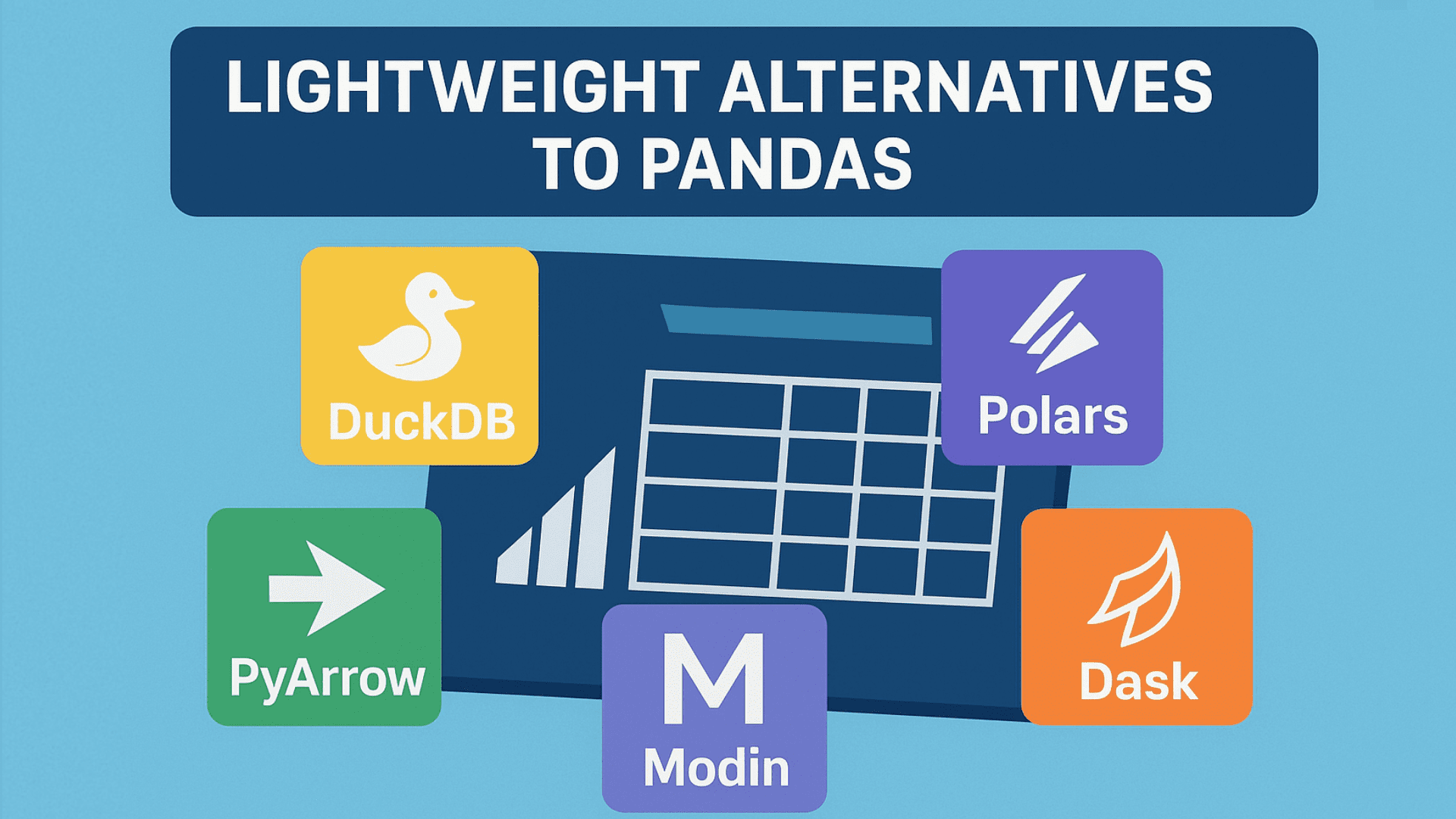
Developers use pandas to manipulate data, but it may be slow, particularly with huge datasets. Because of this, many people are looking for speedier and lighter solutions. These settings maintain the fundamental capabilities required for analysis while prioritizing speed, memory efficiency, and simplicity. This article discusses five lightweight alternatives to pandas that you can test.
1) DuckDB
DuckDB is an analytics-oriented version of SQLite. SQL queries can be executed directly on comma-separated values (CSV) files. It is useful if you have experience with SQL or machine learning pipelines. Install it using:
pip install duckdb
We will use the Titanic dataset and run a simple SQL query on it like this:
import duckdb
url = “https://raw.githubusercontent.com/mwaskom/seaborn-data/master/titanic.csv”
# Run SQL query on the CSV
result = duckdb.query(f”””
SELECT sex, age, survived
FROM read_csv_auto(‘{url}’)
WHERE age > 18
“””).to_df()
print(result.head())
Output:
sex age survived
0 male 22.0 0
1 female 38.0 1
2 female 26.0 1
3 female 35.0 1
4 male 35.0 0
DuckDB executes the SQL query directly on the CSV file and converts the results to a DataFrame. You get SQL speed and Python versatility.
2. Polars
Polars is one of the most popular data libraries right now. It is written in the Rust programming language and runs extremely quickly with minimum memory needs. The syntax is also really tidy. Let’s install it with pip.
pip install polars
Now, let’s use the Titanic dataset to cover a simple example:
import polars as pl
# Load dataset
url = “https://raw.githubusercontent.com/mwaskom/seaborn-data/master/titanic.csv”
df = pl.read_csv(url)
result = df.filter(pl.col(“age”) > 40).select([“sex”, “age”, “survived”])
print(result)
Output:
shape: (150, 3)
┌────────┬──────┬──────────┐
│ sex ┆ age ┆ survived │
│ — ┆ — ┆ — │
│ str ┆ f64 ┆ i64 │
╞════════╪══════╪══════════╡
│ male ┆ 54.0 ┆ 0 │
│ female ┆ 58.0 ┆ 1 │
│ female ┆ 55.0 ┆ 1 │
│ male ┆ 66.0 ┆ 0 │
│ male ┆ 42.0 ┆ 0 │
│ … ┆ … ┆ … │
│ female ┆ 48.0 ┆ 1 │
│ female ┆ 42.0 ┆ 1 │
│ female ┆ 47.0 ┆ 1 │
│ male ┆ 47.0 ┆ 0 │
│ female ┆ 56.0 ┆ 1 │
└────────┴──────┴──────────
Polars reads the CSV, filters the rows based on their age, and selects a subset of the columns.
3. PyArrow
PyArrow is a lightweight library for columnar data. Apache Arrow is used by tools such as Polars to improve memory efficiency and performance. It is not a complete replacement for pandas, but it is great for reading files and preprocessing. Install it using:
pip install pyarrow
For our example, we’ll use the Iris dataset in CSV format as follows:
import pyarrow.csv as csv
import pyarrow.compute as pc
import urllib.request
# Download the Iris CSV
url = “https://raw.githubusercontent.com/mwaskom/seaborn-data/master/iris.csv”
local_file = “iris.csv”
urllib.request.urlretrieve(url, local_file)
# Read with PyArrow
table = csv.read_csv(local_file)
# Filter rows
filtered = table.filter(pc.greater(table[‘sepal_length’], 5.0))
print(filtered.slice(0, 5))
Output:
pyarrow.Table
sepal_length: double
sepal_width: double
petal_length: double
petal_width: double
species: string
—-
sepal_length: [[5.1,5.4,5.4,5.8,5.7]]
sepal_width: [[3.5,3.9,3.7,4,4.4]]
petal_length: [[1.4,1.7,1.5,1.2,1.5]]
petal_width: [[0.2,0.4,0.2,0.2,0.4]]
species: [[“setosa”,”setosa”,”setosa”,”setosa”,”setosa”]]
PyArrow reads the CSV and turns data to columnar representation. The name and type of each column are listed in a clearly defined structure. This approach allows for quick inspection and filtering of huge datasets.
4. Modin
Modin is intended for everyone who wishes to achieve quicker performance without learning a new library. It utilizes the same pandas API but does operations in parallel. You don’t have to replace your existing code; only update the import. Everything else functions normally in pandas. Install it using pip:
pip install modin[ray]
To further understand, consider the following little example, which uses the same Titanic dataset:
import modin.pandas as pd
url = “https://raw.githubusercontent.com/mwaskom/seaborn-data/master/titanic.csv”
# Load the dataset
df = pd.read_csv(url)
# Filter the dataset
adults = df[df[“age”] > 18]
# Select only a few columns to display
adults_small = adults[[“survived”, “sex”, “age”, “class”]]
# Display result
adults_small.head()
Output:
survived sex age class
0 0 male 22.0 Third
1 1 female 38.0 First
2 1 female 26.0 Third
3 1 female 35.0 First
4 0 male 35.0 Third
Modin distributes work among CPU cores, so you’ll receive greater speed without doing anything extra.
5. Dask
How can you handle large amounts of data without increasing RAM? Dask is an excellent solution for files that are larger than your computer’s random access memory. It employs lazy evaluation, which means it does not load the complete dataset into memory. This allows you to process millions of rows smoothly. Install it using:
pip install dask[complete]
To test it, we may utilize the Chicago Crime dataset, as shown below:
import dask.dataframe as dd
import urllib.request
url = “https://data.cityofchicago.org/api/views/ijzp-q8t2/rows.csv?accessType=DOWNLOAD”
local_file = “chicago_crime.csv”
urllib.request.urlretrieve(url, local_file)
# Read CSV with Dask (lazy evaluation)
df = dd.read_csv(local_file, dtype=str) # all columns as string
# Filter crimes classified as ‘THEFT’
thefts = df[df[‘Primary Type’] == ‘THEFT’]
# Select a few relevant columns
thefts_small = thefts[[“ID”, “Date”, “Primary Type”, “Description”, “District”]]
print(thefts_small.head())
Output:
ID Date Primary Type Description District
5 13204489 09/06/2023 11:00:00 AM THEFT OVER $500 001
50 13179181 08/17/2023 03:15:00 PM THEFT RETAIL THEFT 014
51 13179344 08/17/2023 07:25:00 PM THEFT RETAIL THEFT 014
53 13181885 08/20/2023 06:00:00 AM THEFT $500 AND UNDER 025
56 13184491 08/22/2023 11:44:00 AM THEFT RETAIL THEFT 014
Filtering (Primary Type == ‘THEFT’) and column selection are both sluggish operations. Filtering occurs instantly because Dask processes data in segments rather than loading it all at once.
Conclusion
We discussed five alternatives to Pandas and how to use them. The article makes things basic and straightforward.



 5 Lightweight Alternatives to Pandas You Should Try






No Comments